Most books about timeshare are written to sell you one. This one was written for the person who already owns and wants the thing to finally work. It opens in a browser, installs on a phone like an app, keeps reading when the plane loses Wi-Fi, and answers questions out loud on the page you are standing on. Below is every part of it, every chapter in every part, and every layer that sits on top of the reading — named, not summarized.
← Back to the shop
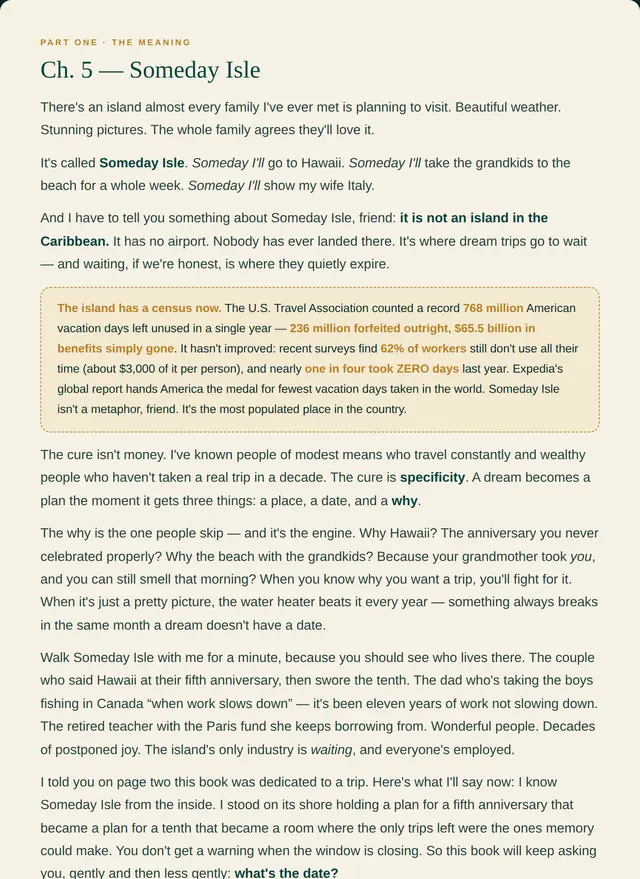
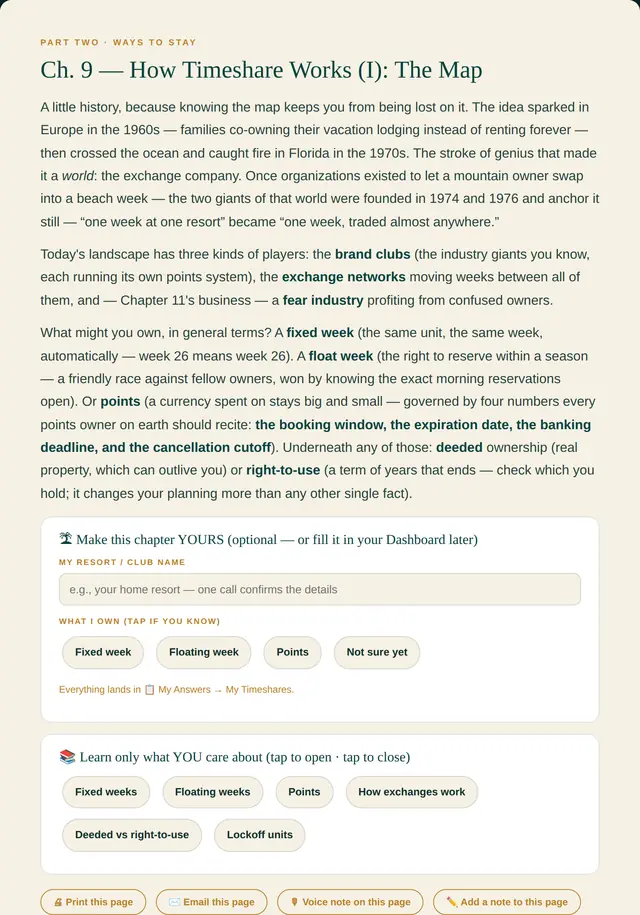
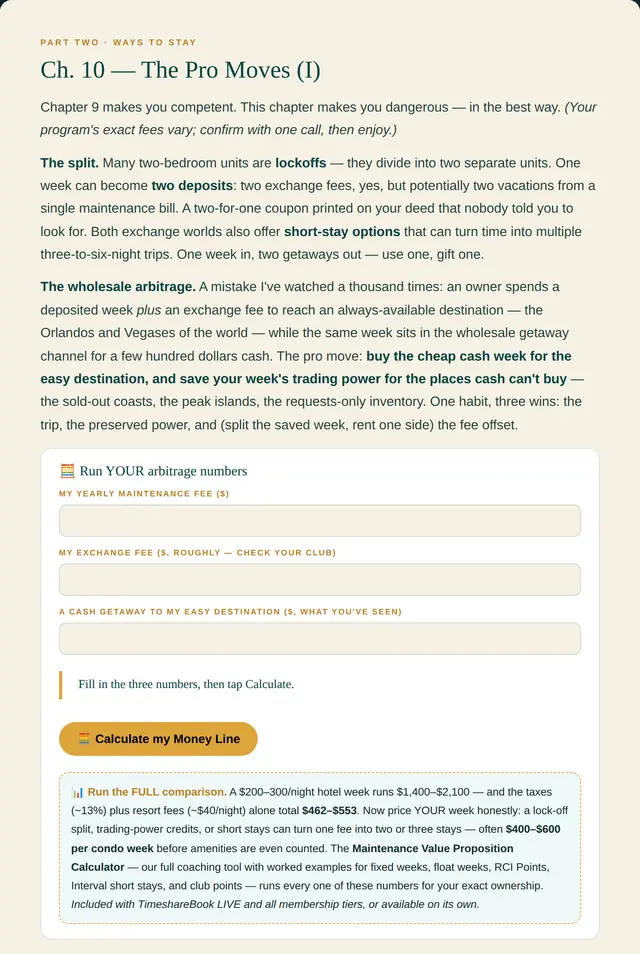
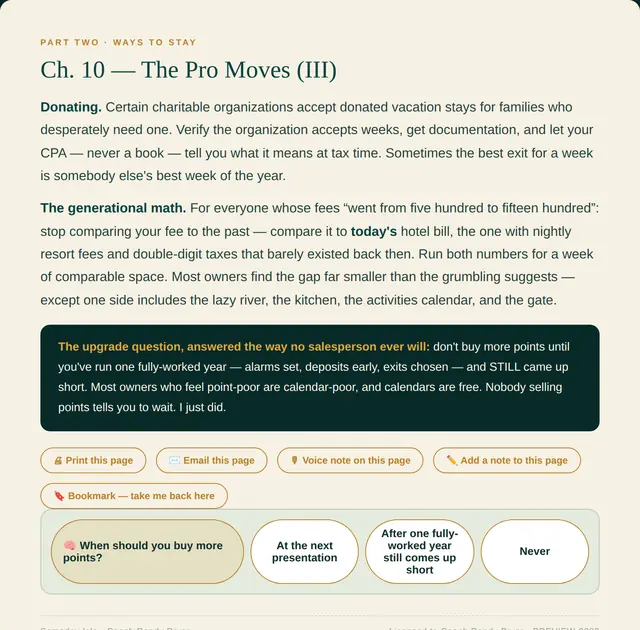
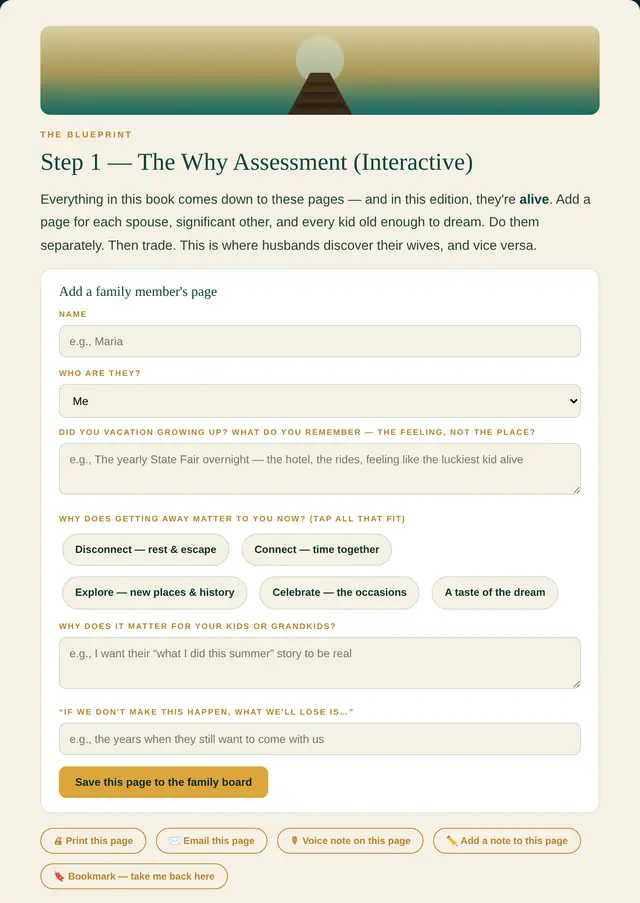
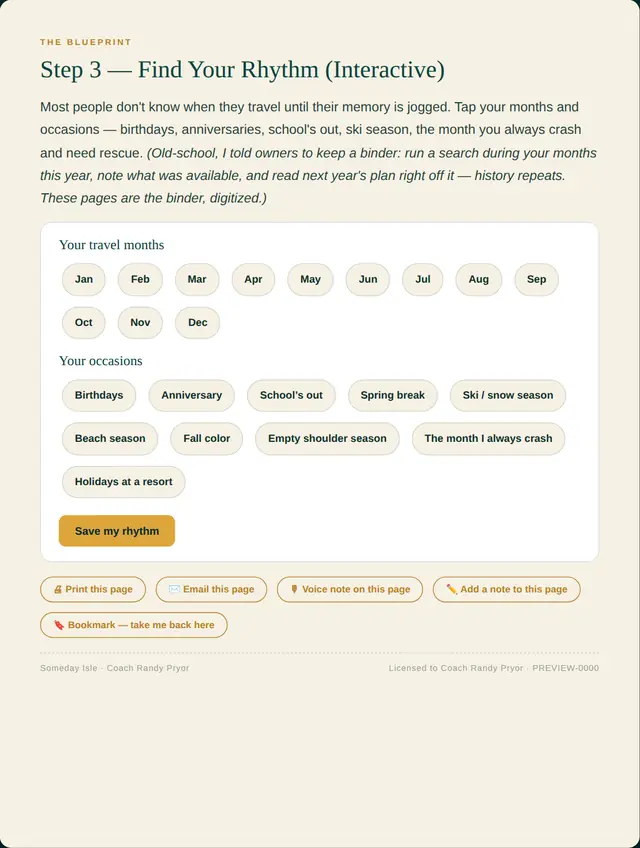
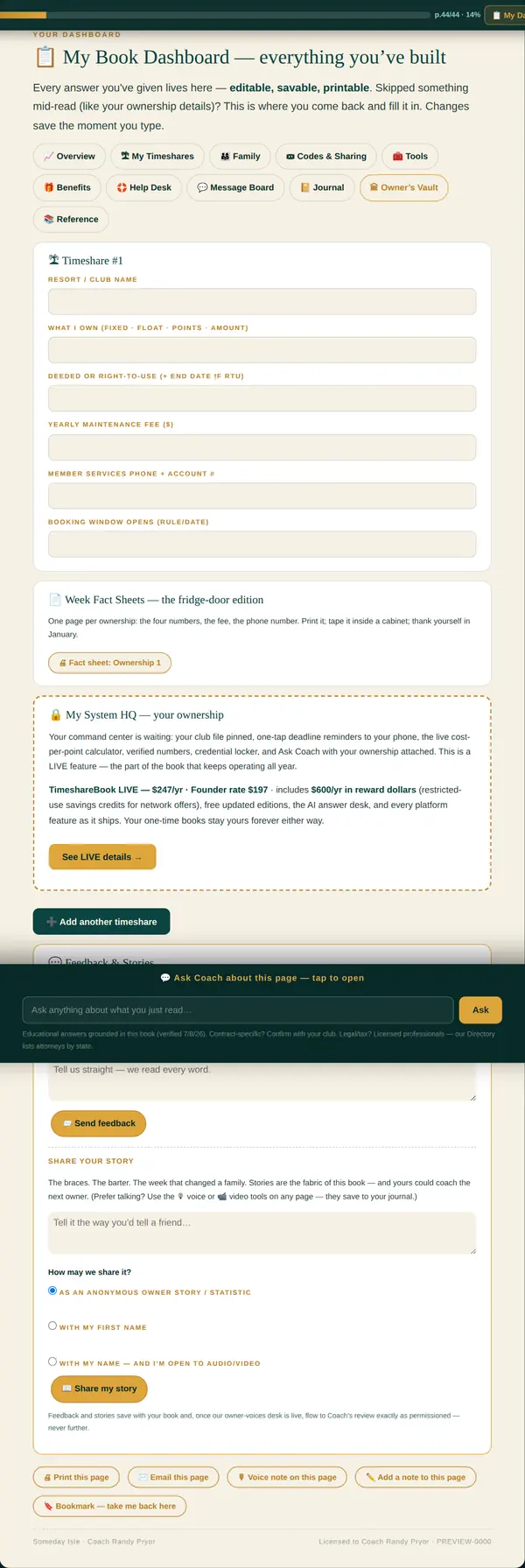
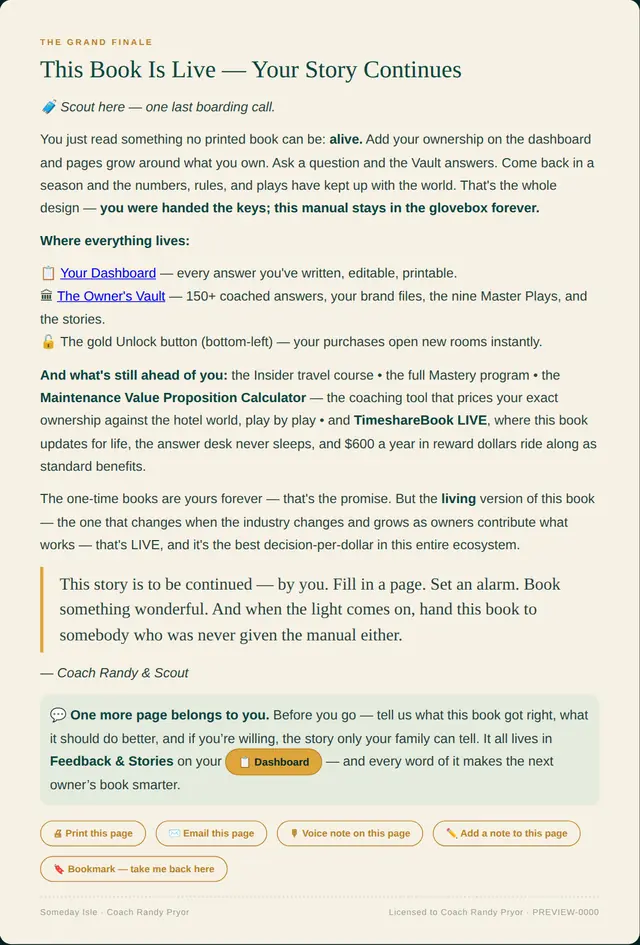
Eight real pages, photographed from the book itself — it moves on its own, or you can swipe it, and Expand opens any page full size. The last two are the ones that answer “is it really alive?”: your own dashboard inside the book, and the page where it tells you it keeps going. Nothing on this page is a mock-up.

The book is the reading, and the reading is yours the moment you buy it — on every device you own, offline, for good. Behind the last page there is a door. Open it and the book stops being a book and becomes the Command Center: the screens you type into, share with your family, print from and run your own numbers in. Buying the book opens that door for thirty days, at no extra cost. You get to walk around inside the whole thing before you decide whether you want to keep it.
Everything here works on a plane with the Wi-Fi off, and none of it ever switches back off.
Everything here involves other people, a record you keep, or something the book runs for you.
Buy the book and you are handed the key on the spot. For thirty days every screen in the Command Center list above is open to you: invite the family, set the date wall, run your maintenance fee against what your week actually rents for, print the fact sheets. Nothing is held back and nothing is a demo.
When the thirty days are up, your book keeps working exactly as it is, forever — every chapter, every answer, every setting, on every device. Keeping the Command Center is a separate, optional unlock, and the price for it is at the bottom of this page, named plainly, next to the price of the book. You will never be asked for a figure you have not already been shown.
The parts of the reading that are not like a paper book.
Three questions at the front — who you travel with, when you can go, what you own. From there the book rearranges itself. Chapters that do not apply to your kind of ownership get out of the way, and the ones that do move to the front.
The Command Center. Open for thirty days when you buy the book.
Invite the people you travel with, and each one gets their own page inside your book. A message wall, a shared journal, keepsakes, the family pledge and the one-page family letter. Five share codes come with it, and you can see who has opened theirs.
One screen per club you belong to, with the rules of that system, your one-tap alarms, the first-hour checklist for booking day, and your cost per point worked out in thirty seconds.
Your booking windows, your use years and your deadlines on one wall, with reminders that drop onto the phone you already carry. This is the part that stops a week expiring unused.
Put in your yearly maintenance fee, your exchange fee, and what a cash trip to the same place would have cost you. The book works out your money line: whether the week paid for itself, and by how much. Your numbers, not an example in a brochure.
Write on any page and it stays there. Say it out loud instead when your hands are full. Bookmark what you will need again, and take a backup you own.
Assemble exactly the pages you want and print them. Week fact sheets sized for the fridge door, your ownership record for the folder, the family letter for the people who will need it.

Someday Isle — the real cover
When you bought, you were given a nine digit code and a four digit PIN. Type both in below with your name and your email and the book opens on this device in a few seconds. We set up your file at the same moment, so the next time you come back on your phone, your laptop or the tablet in the kitchen, the same code and PIN let you straight in and everything you wrote is still where you left it. If the code you were given is the one that includes the Command Center, that opens too — there is nothing extra to type.
Both halves. Write them somewhere you will still have in a year — you need them again on any new phone.
Type the email address you bought with. If there is an account under it, every code on that account goes to that inbox right now. No waiting on anybody.
We send the code. We never send the PIN, and we never will — not by email, not by anybody. Your PIN is the four digits you chose to keep. If the email never turns up, the address on the receipt is usually a different one than the address you are thinking of.
Your code and PIN are right — we can see that. The email on the account is one you can no longer open. Tell us the address you want it moved to and a person will move it. You do not have to buy anything again and you will not lose a word of what you have written.
Your nine digit code goes with this message so nobody has to ask you for it. We never ask for your PIN and we never send it. There is no phone number to call and no hold music — and while you wait, Scout on the website answers most questions in a few seconds and knows the whole book.
You are in.
That is your code. Your PIN is the four digits you just typed, and it is not printed anywhere on this screen on purpose. Put them both somewhere you will still have in a year — the inside cover of a notebook, a note on your phone, the same place you keep the wifi password.
Your book is one file, not an app store download, so it goes wherever you put it.
On an iPhone or iPad: tap the share button at the bottom of Safari — the square with the arrow coming out of it — scroll down, and tap Add to Home Screen. It sits there with an icon like anything else you use.
On an Android phone: tap the three dots at the top right of Chrome and tap Add to Home screen.
On a computer: bookmark this page. On a computer, hold Ctrl and press S — or Command and S on a Mac — and save the page. That saved file is your book, and it opens with no internet at all: on a plane, in a resort with bad wifi, anywhere.
The same code and the same PIN open your book on up to five devices. Type them in on the next one and it opens there too, with everything you have written already sitting where you left it. Nothing to install and nothing to move across.
The five counts over the last ninety days, not forever, so an old phone you got rid of last spring stops taking up room on its own. And if you need a slot back today, open the book page on the device you are finished with and press Not you? Sign out of this browser. The slot is free the same second.
There is a box on this page that mails you every code on your account. It runs on its own, at three in the morning, on Christmas Day, without a person in the middle. Type the email you bought with and it goes.
It sends the code and never the PIN. That is on purpose: half a key in an inbox is a lot safer than a whole one, and the half we keep back is the half that is yours.
And if the PIN is gone too — open this page on any phone or computer where your book is already unlocked. The welcome panel has a Show my code and PIN button on it. Both halves, on the screen, with a copy button and a print button. No email, no waiting, nobody to ask.
Scout is on the website and knows the whole book. Ask it anything — how to use a week you are about to lose, what your maintenance fee is actually buying, where the good exchanges hide — and it answers in a few seconds, any hour.
If something needs a person — a billing question, a code that will not behave — there is a ticket box and a real human reads every one of them. There is no phone number here, and that is not an oversight. Nobody on this platform is ever going to be put on hold.