TimeshareBook Understand it·Plan it·Offset it
The planner

The Someday Isle Planner.Every module, every lesson, every shelf. Named.

This is the part people do not believe until they see the list. The planner is not a printable PDF with a calendar in it — it is a working operating system for one family’s ownership: a full course, a school, a dream board, a reference shelf for the places you might actually go, and a coach who answers inside it. It runs in a browser, saves on your own device, prints clean, and never needs a signal. Everything in it is listed below by name, because a page that says “and much more” is a page hiding something.

← Back to the shop
timesharebook.com · my planner · private to this device
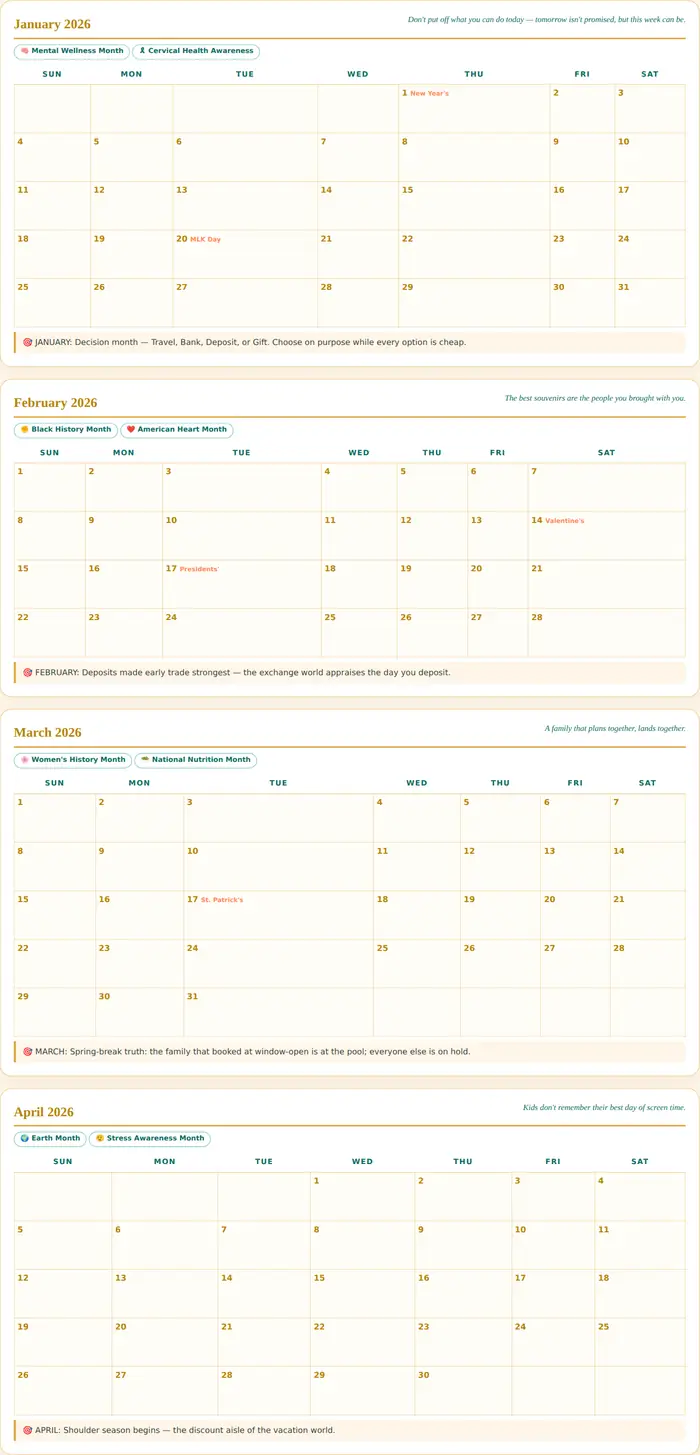
The planner's Year tab — real month cards for 2026
Year · twelve month cards, photographed from the running planner
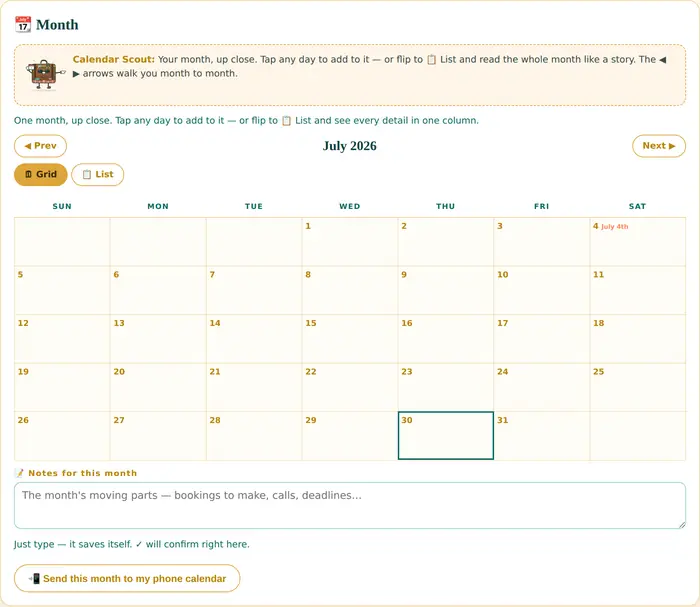
The planner's Month tab — July 2026
Month · July 2026, and the month notes that travel with it
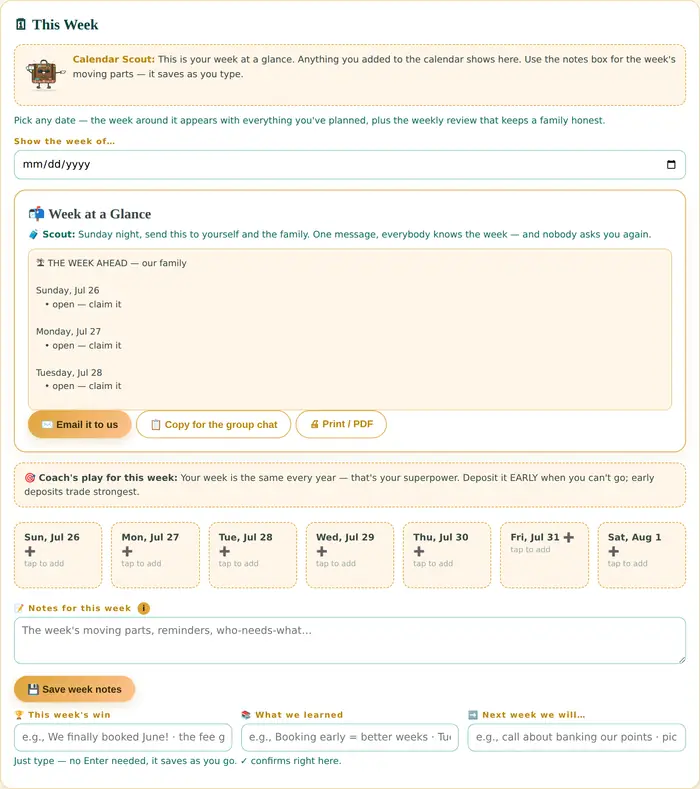
The planner's Week tab — this week at a glance
Week · this week at a glance, and the weekly review
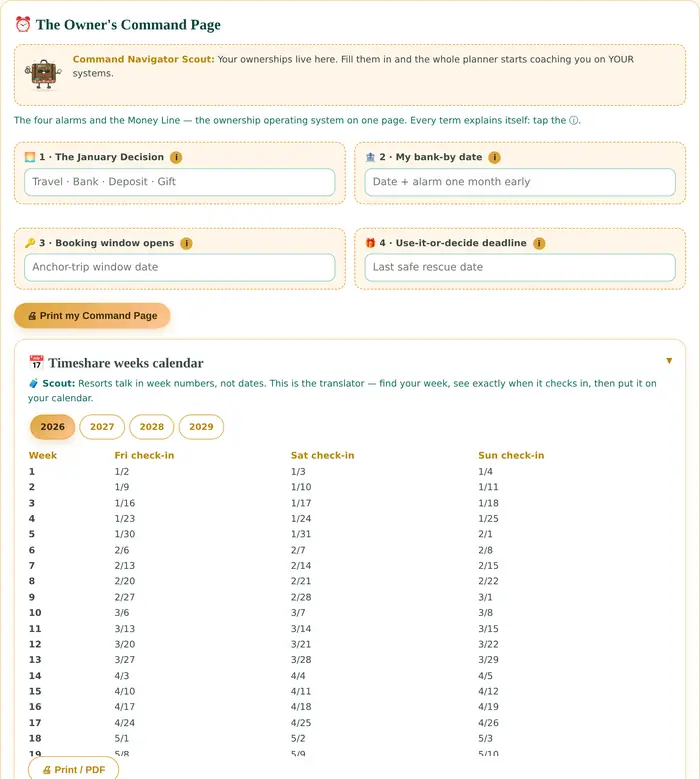
The planner's Command tab — the Owner's Command Page
Command · the Owner’s Command Page and its four dated alarms
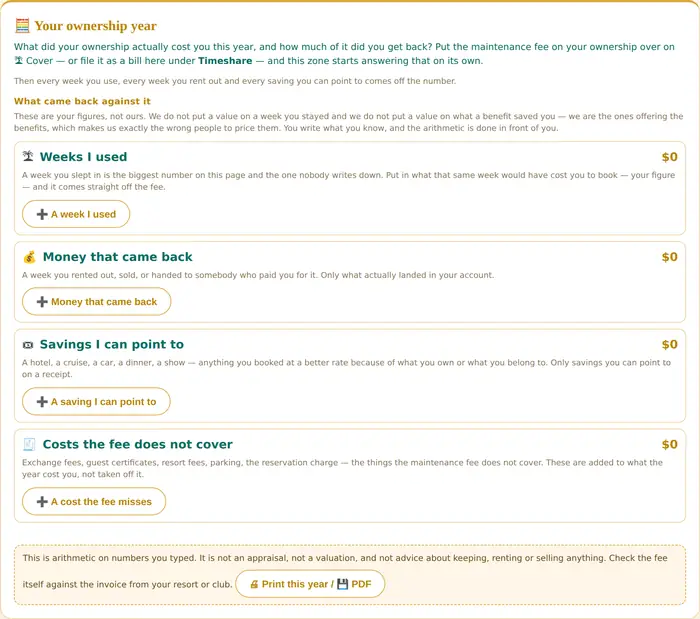
The planner's Bills tab — your ownership year
Bills · your ownership year. Your figures; ours is only the arithmetic.
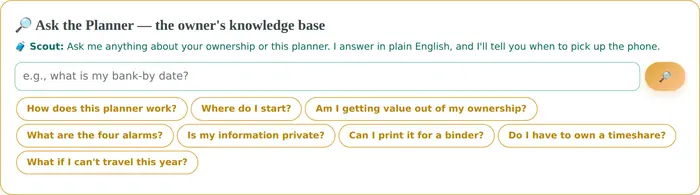
The planner's dashboard — Ask the Planner
Dashboard · Ask the Planner, on the page you open first
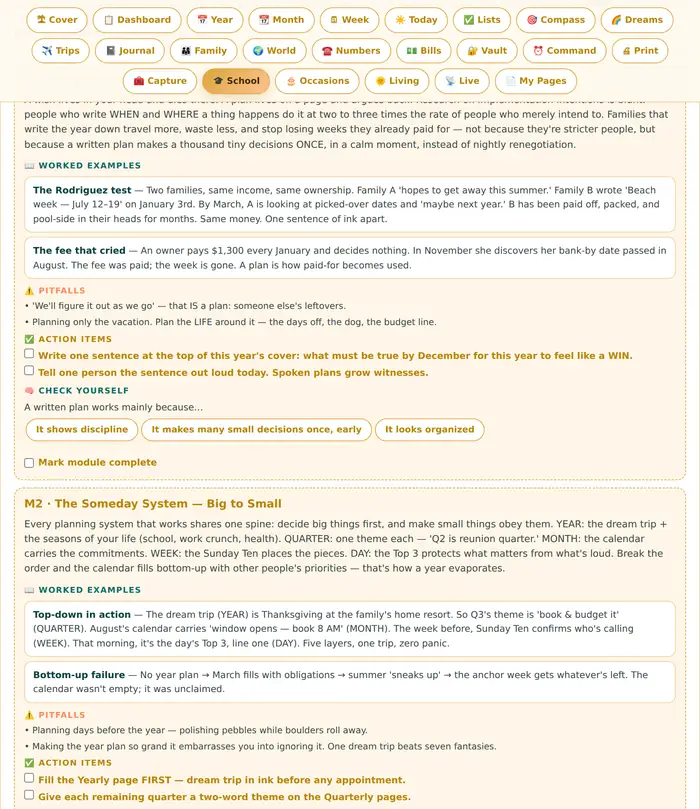
The planner's School tab — Planner School, the master course
School · Planner School, the master course, built in
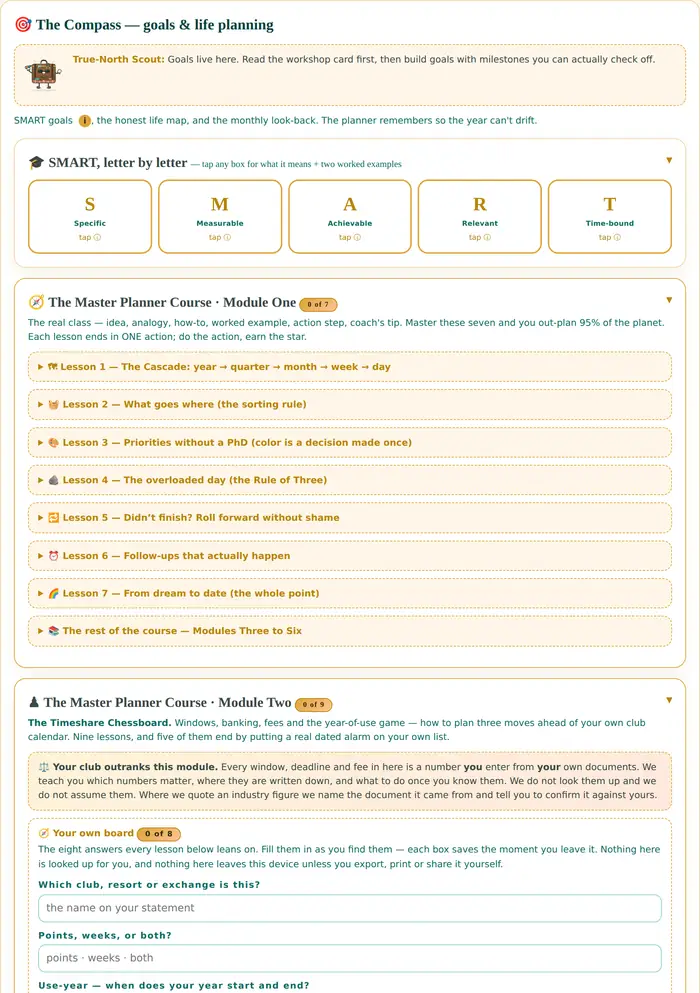
The planner's Compass tab — goals and SMART planning
Compass · goal setting, and SMART spelled out letter by letter
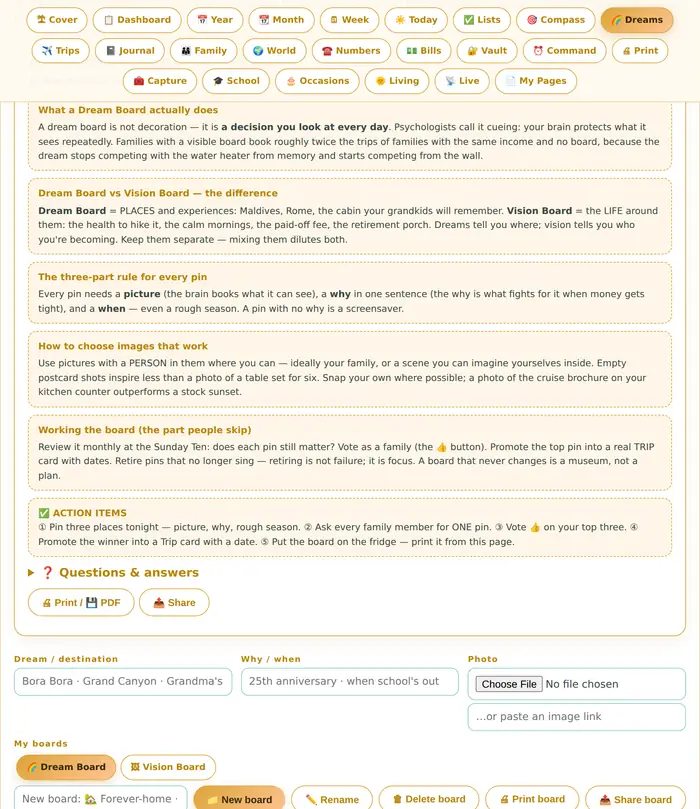
The planner's Dreams tab — the Dream and Vision Board workshop
Dreams · the Dream & Vision Board workshop
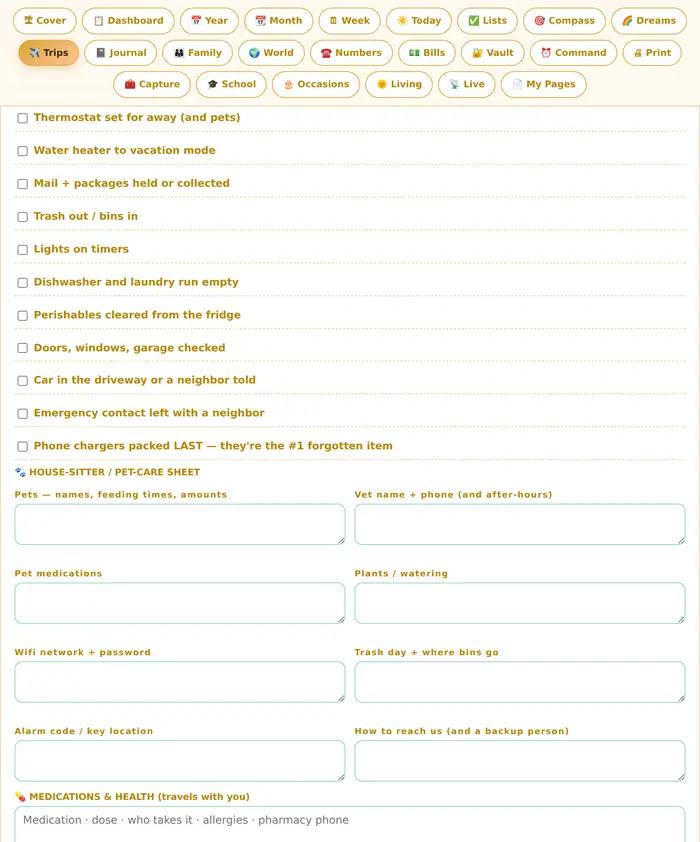
The planner's Trips tab — The Away Kit
Trips · The Away Kit, for leaving home well
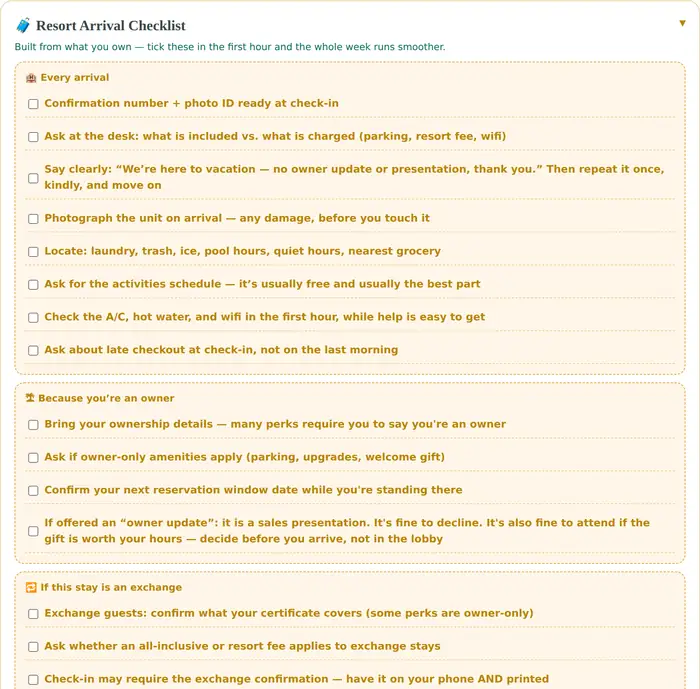
The planner's Trips tab — the Resort Arrival Checklist
Trips · the Resort Arrival Checklist, for the first hour
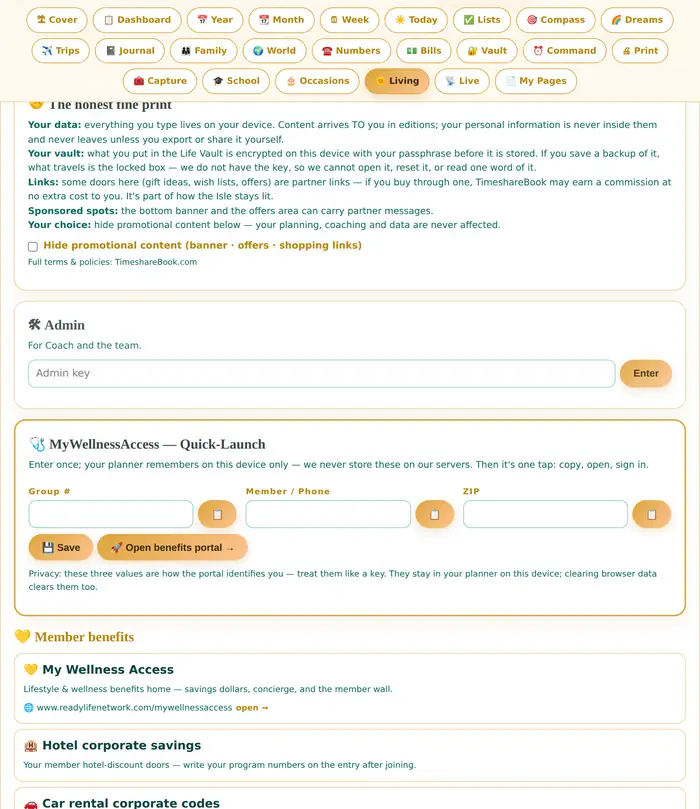
The planner's Living tab — Someday Isle Living
Living · Someday Isle Living — benefits, news, and the daily guide

Twelve screens out of twenty-four tabs. It moves on its own, or swipe it, or tap a reveal to jump to it. Expand opens any screen full size.
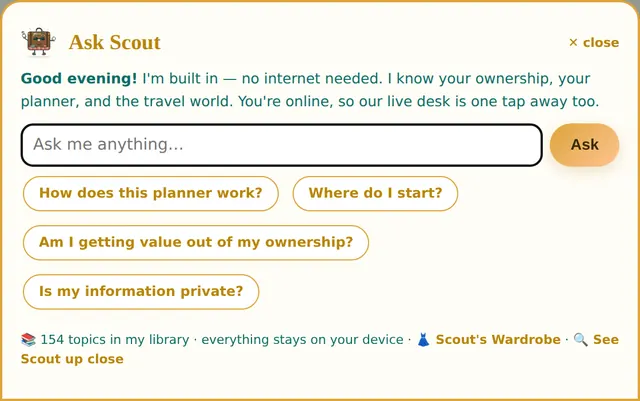
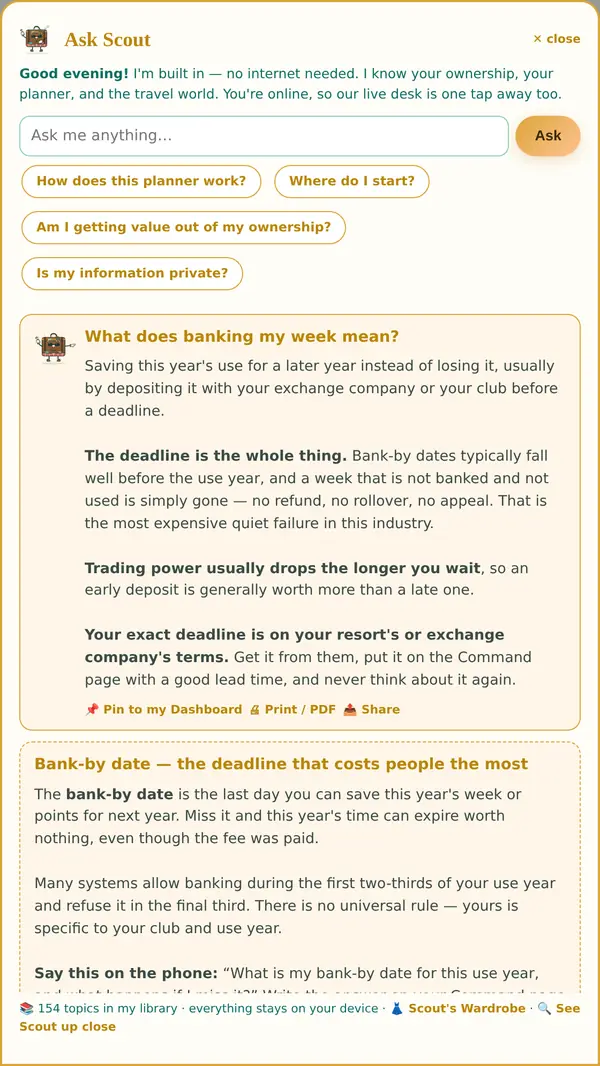
Ask Scout — the panel as it opens, with its four starter questions
Ask Scout · the panel as it opens, and the questions it opens with
Scout answering: what does banking my week mean?
What does banking my week mean?
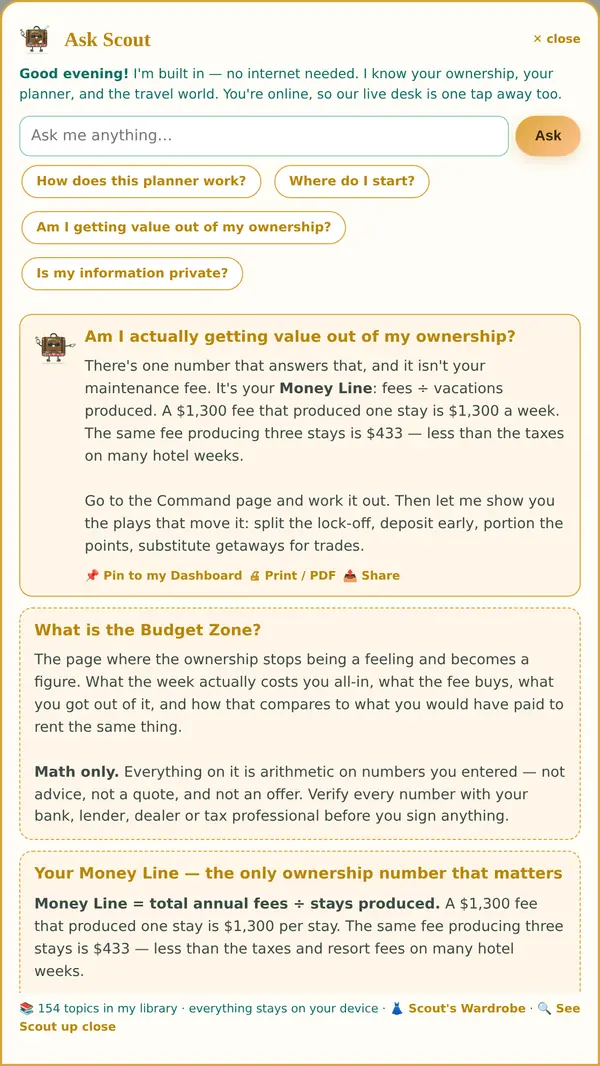
Scout answering: am I actually getting value out of my ownership?
Am I actually getting value out of my ownership?
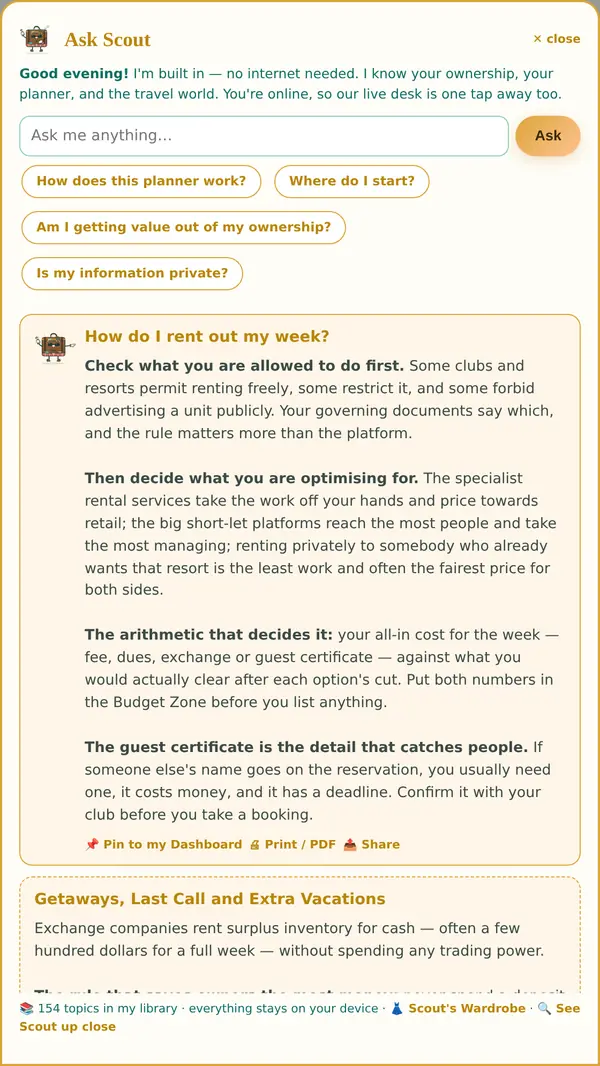
Scout answering: how do I rent out my week?
How do I rent out my week?
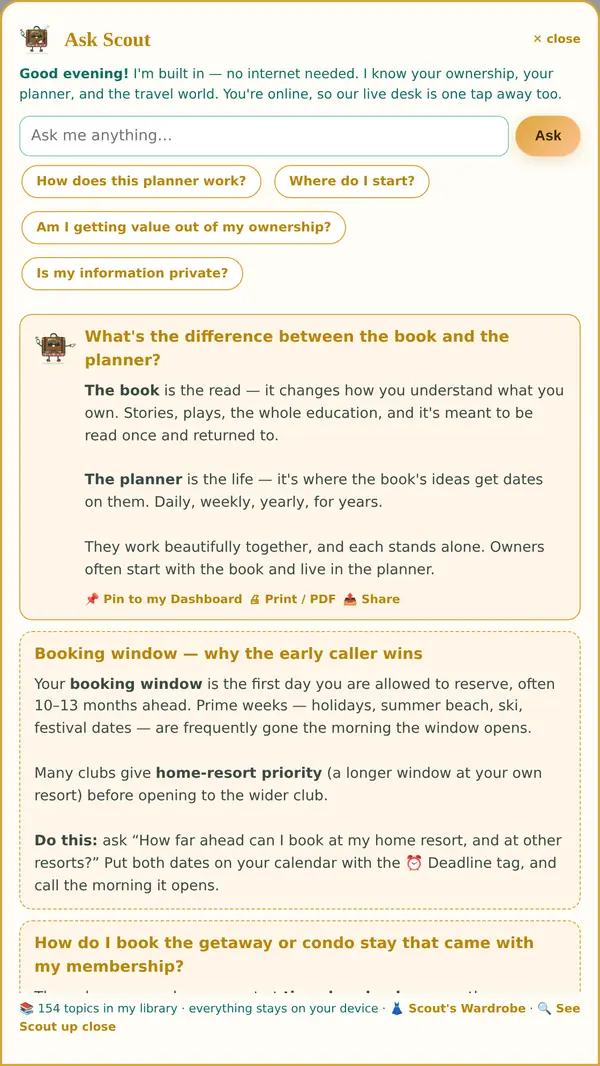
Scout answering: what's the difference between the book and the planner?
What’s the difference between the book and the planner?
Scout up close — the Tropical Scout look
His wardrobe · Scout dresses for the season, and you collect the looks
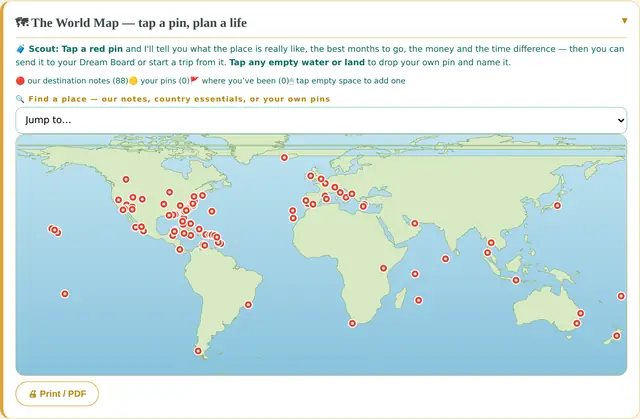
The World Map inside the planner
The World Map · tap a pin, plan a life

Seven real screens of Scout working. It moves on its own, or swipe it — Expand opens any answer full size.
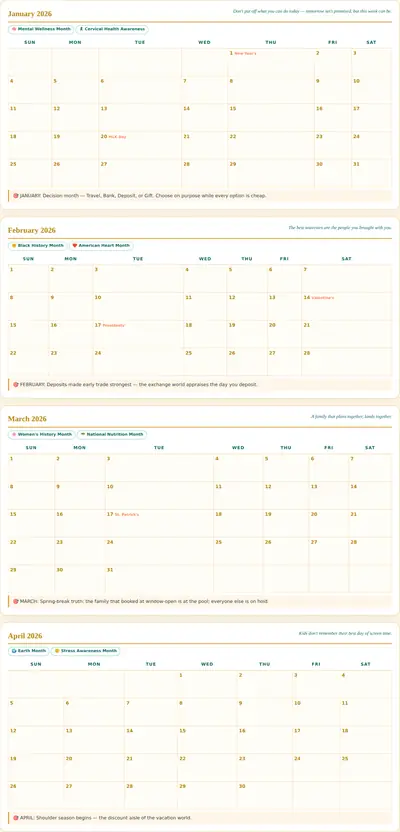
The Someday Isle Planner open on its Year tab

The planner — its own Year tab

Already bought it?

Open your planner.Same nine digits, same four digit PIN.

The planner activates exactly the way the book does. Type the nine digit code and the four digit PIN you were given, with your name and your email, and the planner opens here with everything unlocked. Your file is made at that moment, so the same code and PIN open it again on any device you pick up, and the planning you have already done is still there.

Your code is tied to the email you activate it with, which is what lets it work on every device you own. It runs for one year from the day you first use it. A planner code opens the planner; a book code opens the book. They are not the same key and neither one pretends to be.